
Save 30% on Dubsado
Sign up for Dubsado's* free 3-client trial here. It never expires! When it’s time to upgrade, enter my Certified Dubsado Specialist coupon code “productiveco”* to save 30% on your first payment.
Hi, I’m Rae and the Owner of Productive Co.
I help service-based business owners with their systems and workflow automation. I can help you manage your clients more easily and turn your “To-Do” list into a “Ta-Da!” list. Learn more.
You Might Also Like…

If you've been using the Dubsado scheduler and wondering if you should use Acuity or Calendly instead, this video is for you! I cover the pros and cons to using Acuity/Calendly vs. the Dubsado scheduler to help you decide which option is best for you.
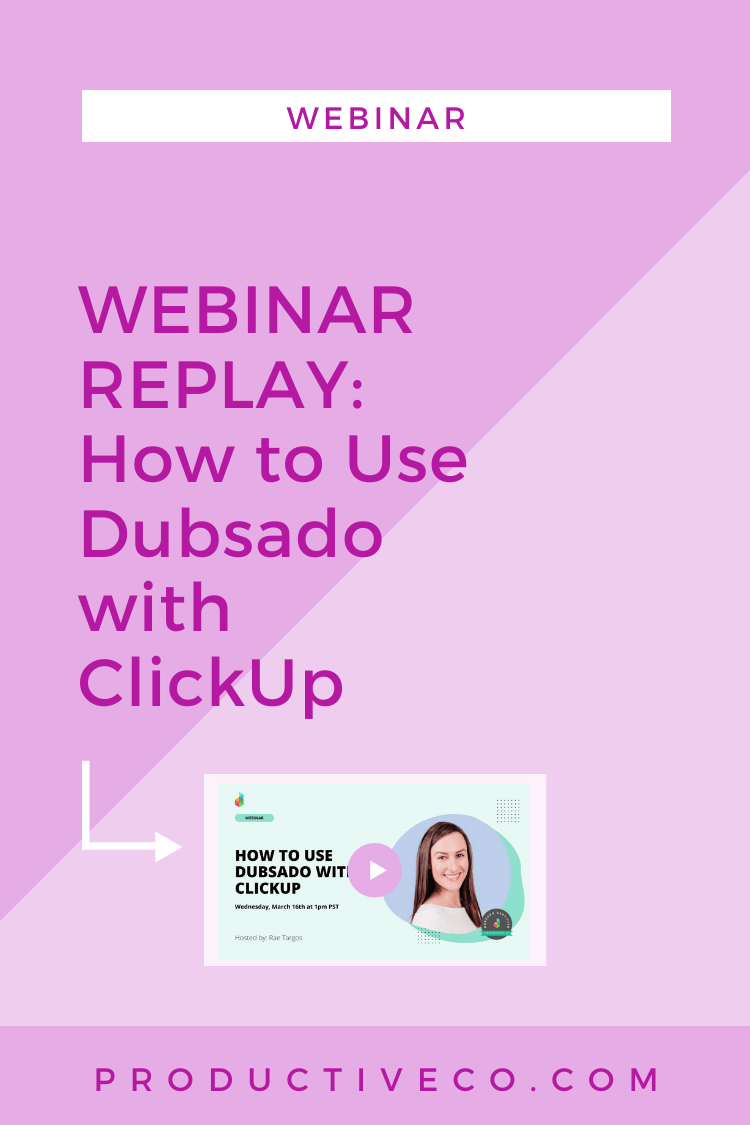
In this webinar replay, I show you best practices for seamlessly using Dubsado with ClickUp.

If you’ve been using the Dubsado scheduler, but aren’t seeing your new leads show up in the Projects tab, you’re probably making the most common Dubsado scheduler mistake.

You don’t have to worry about Dubsado’s automation features coming off as “robotic” or “impersonal” to your clients with these tricks.

If you are going to an event, such as a trade show, and need to capture several leads, I’ve got a neat trick that will making getting contact info in Dubsado a breeze.

Here’s a list of 8 small features in Dubsado that make all the difference in your experience as a user.

No, your clients CANNOT see everything in Dubsado’s client portal. In this quick tutorial, I’m going to show you the difference between what you see in Dubsado vs. what your clients see.

You can run several different types of reports in Dubsado to learn more about your business. I’ll show you all of the different report types so you can leverage your strengths.

No more confusion over the difference between Dubsado’s task boards and workflows — I’ll tell you and show you task board basics.

There’s a common mistake I see a lot of Dubsado users making when they put the scheduler on their website. And as a result, it’s not creating new projects in Dubsado. Here’s how to fix it.

Looking to charge clients automatically each month, so you can get paid on time hassle-free? You can do that with Dubsado and I show you how here.

Understand the difference between Dubsado’s public proposals vs. proposals, best cases for using public proposals, and how to set up public proposals.
Dubsado is flexible — it gives you 5 (now 6!) ways to add new leads. Best of all, 5 ways are automated.
Have you been wondering what packages and payment schedules are in Dubsado? We break down for you here.

Dubsado’s tags allow you to organize your projects however you’d like. In this article, we discuss how to use tags, how tags are different from lead and job statuses, and ideas for tags based on your industry.

Smart fields are a feature in Dubsado that allow you to autofill information in forms and emails. This allows you to automate sending forms and emails that look hand-crafted and personal. Dubsado’s smart fields are extremely easy to add to your documents. Let me show you how.

Dubsado’s custom mapped fields allow you to create an autofill feature for just about anything you can think of. Inside, learn exactly what custom mapped fields are, the different types, and how to set them up.

Dubsado has 5 different types of forms: contracts, sub-agreements, questionnaires, proposals, and lead captures. Each one has different features and it’s important you choose the right form to create in Dubsado. Use this post as your guide to creating form templates.

Dubsado’s workflows are their best and biggest automation feature. If you want to lighten your load and get work done while you’re sleeping, you’ll want workflows. But there’s a way you need to go about creating them. I’ll show you how here.

Now that you’ve got a Dubsado account, it’s time to get your settings established. You can do that in less than 20 minutes and have your account good to start using! Let me show you how.
Take a quick walk through the major 2018 Dubsado interface change. In this overview, you’ll find out what features Dubsado has and where they are located in the new portal.

Want to save time with Dubsado’s proposals, lead captures, contracts, sub-agreements, and questionnaires? Find out how to fix form templates in Dubsado, so you can get set up more quickly and save yourself a hassle.
Dubsado allows you to add 3rd party links so your clients can quickly access everything they need in one place. Want a central place to store all the important links for your clients? Then do this!

Dubsado lead capture redirects allow you to send new lead submissions to the URL of your choice. Show off your branding and control your client experience with this quick trick.

Embed any 3rd party software to your Dubsado forms. All you have to do is add the code in Dubsado. This post shows you how to do it AND gives you 10 ideas for what you can embed.

Dubsado’s Question Mapping feature will save you time and automate some of your tasks. Find out what question mapping is and how to add it to your forms in Dubsado.

GDPR could affect how you use your CRM. Find out what GDPR is, if you need to comply, and how you can do it. Tutorial on Dubsado CRM compliance inside, too. It’s nothing be scared of — I promise!

The way you view a proposal in Dubsado as a business owner isn’t the same way you view it as a client. You’ll need to know how to view proposal both ways, so come take a look.
In this video, I break down how to use Dubsado's payment plan feature step by step. We’re talking relative, fixed, and TBD due dates, recurring invoices, and more.